HRM Saas

HRM and Payroll Tool

Use these awesome forms to login or create new account in your project for free.

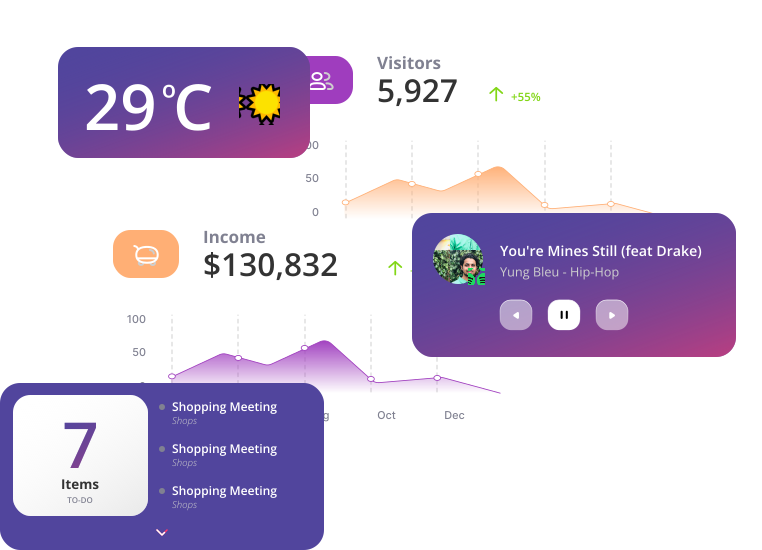
Datta Able Admin Template

Happy clients use Dashboard

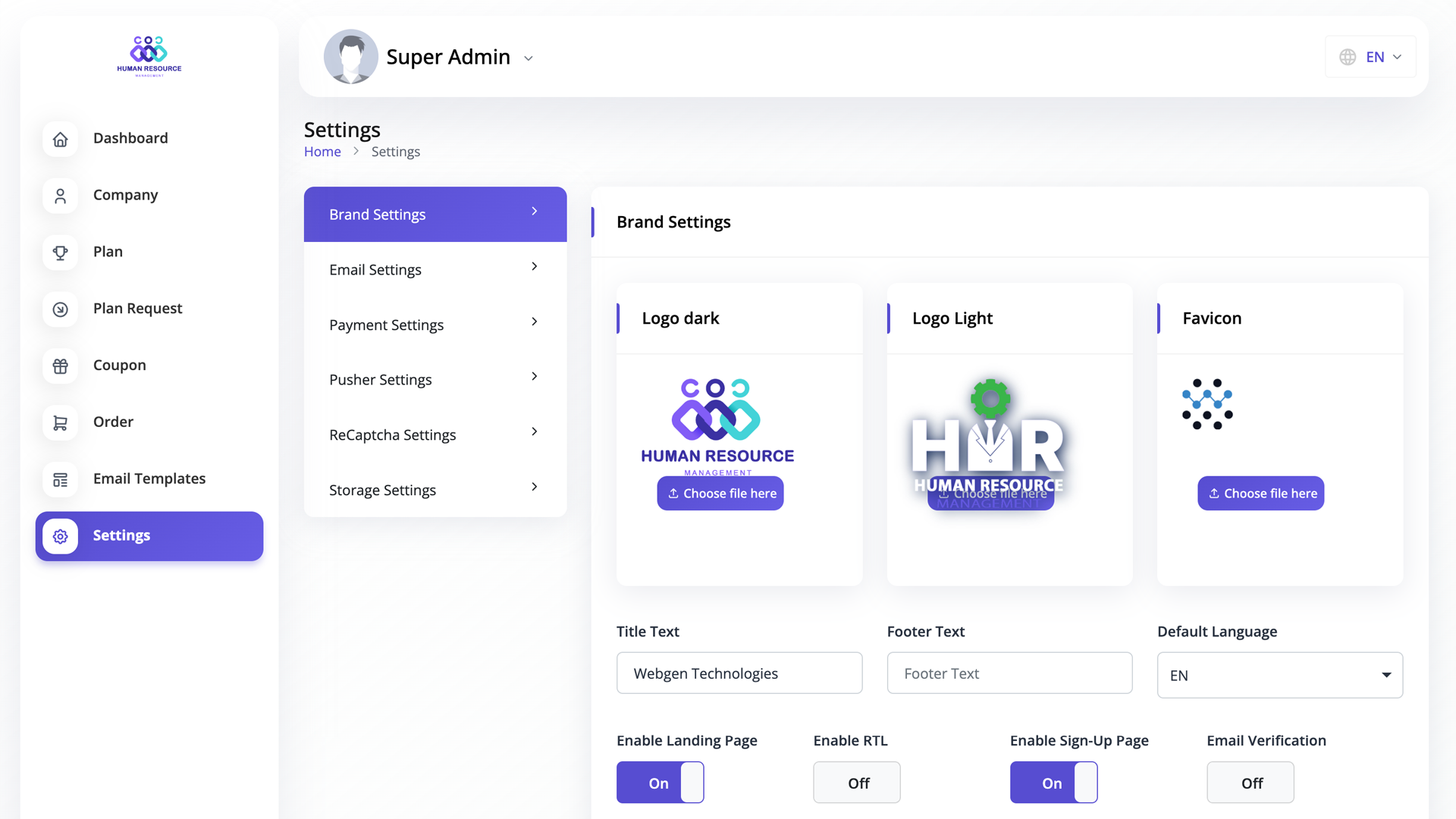
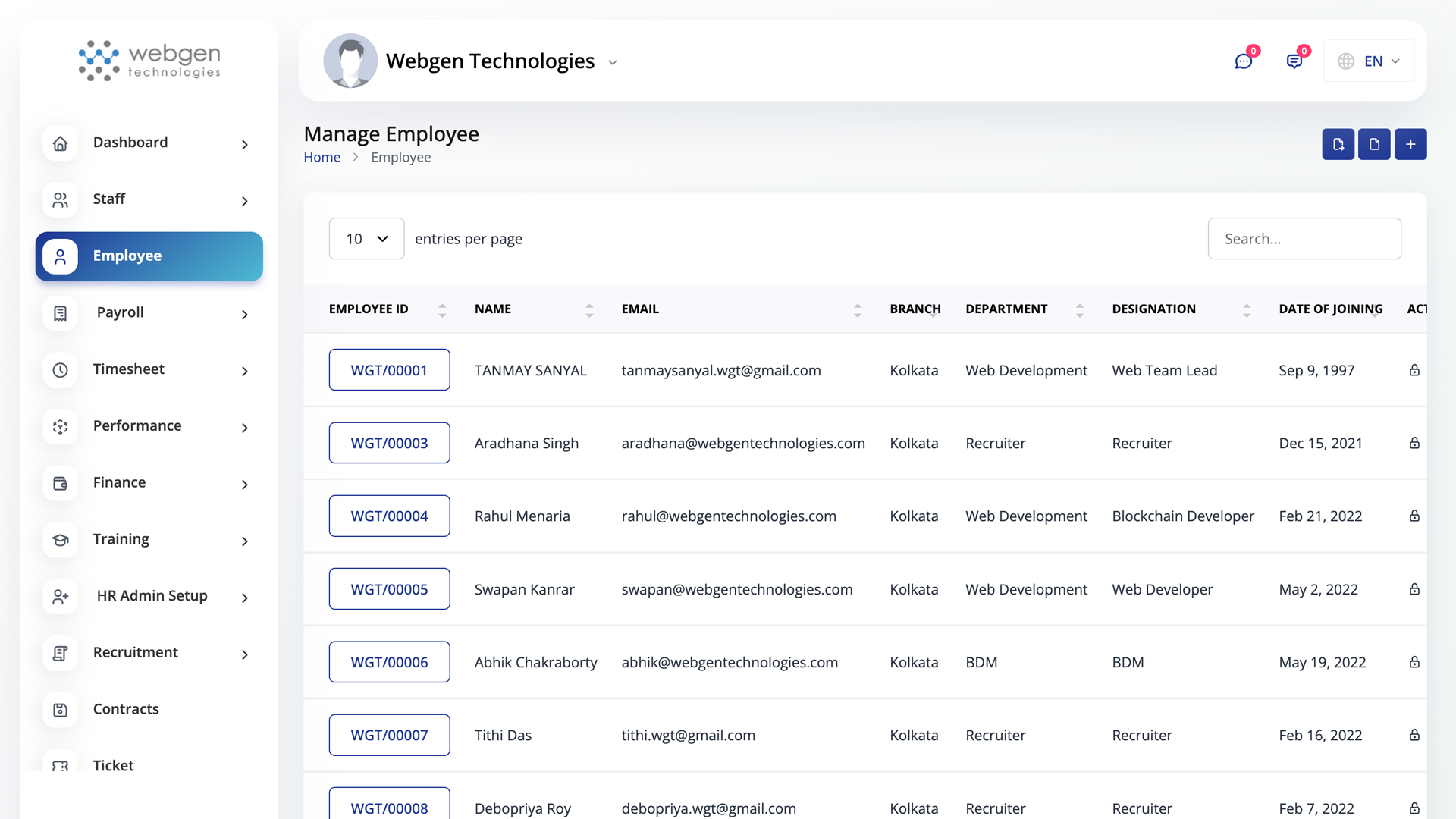
Features All in one place HRM SaaS system

Use these awesome forms to login or create new account in your project for free.

ABOUT

Feature

Use these awesome forms to login or create new account in your project for free.

ABOUT

Feature

Use these awesome forms to login or create new account in your project for free.

ABOUT

Feature

Use these awesome forms to login or create new account in your project for free.

ABOUT

Feature

Use these awesome forms to login or create new account in your project for free.

HRM Saas

HRM and Payroll Tool

Use these awesome forms to login or create new account in your project for free.
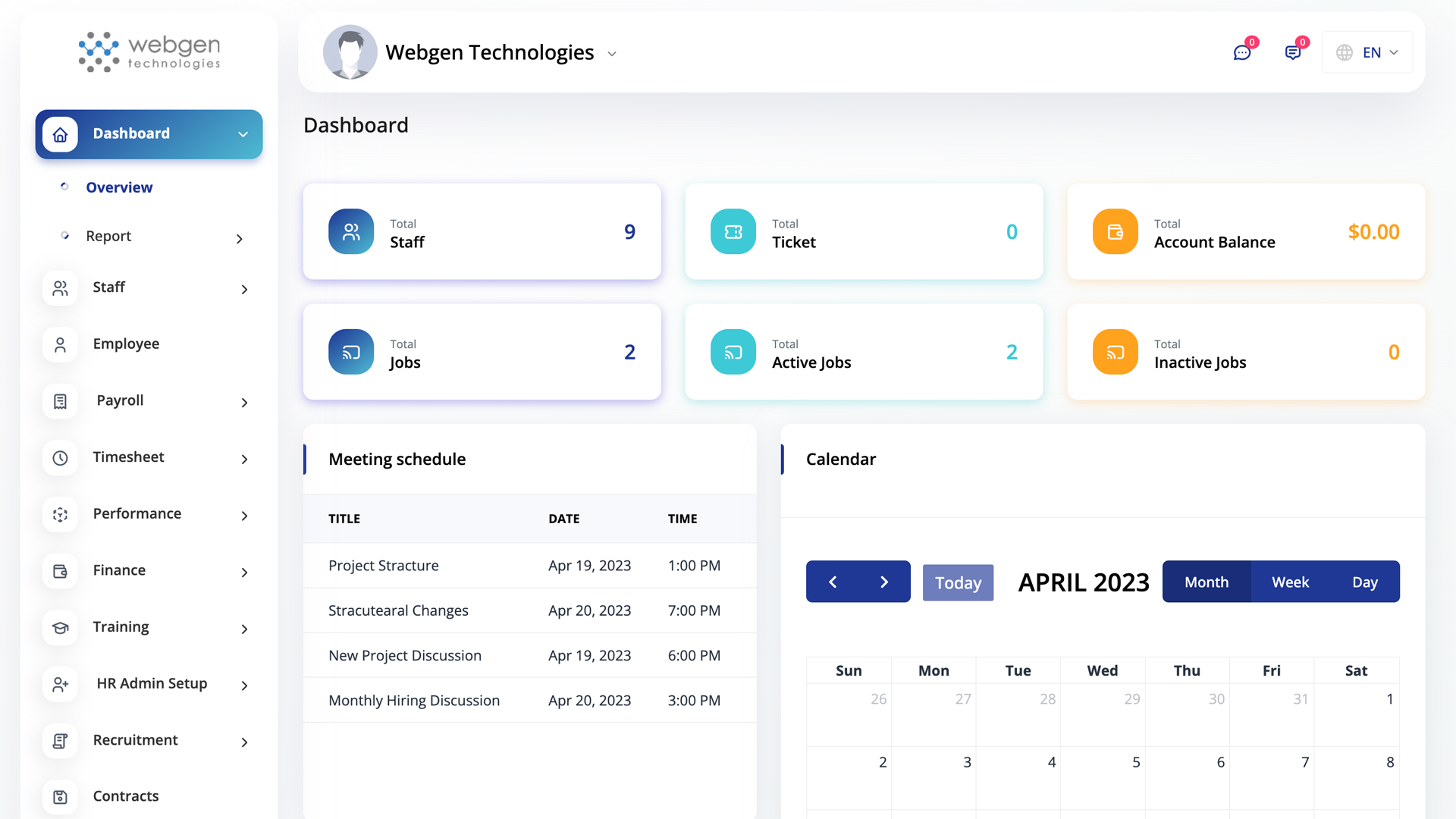
Datta Able Admin Template

HRM Saas

HRM and Payroll Tool

Use these awesome forms to login or create new account in your project for free.
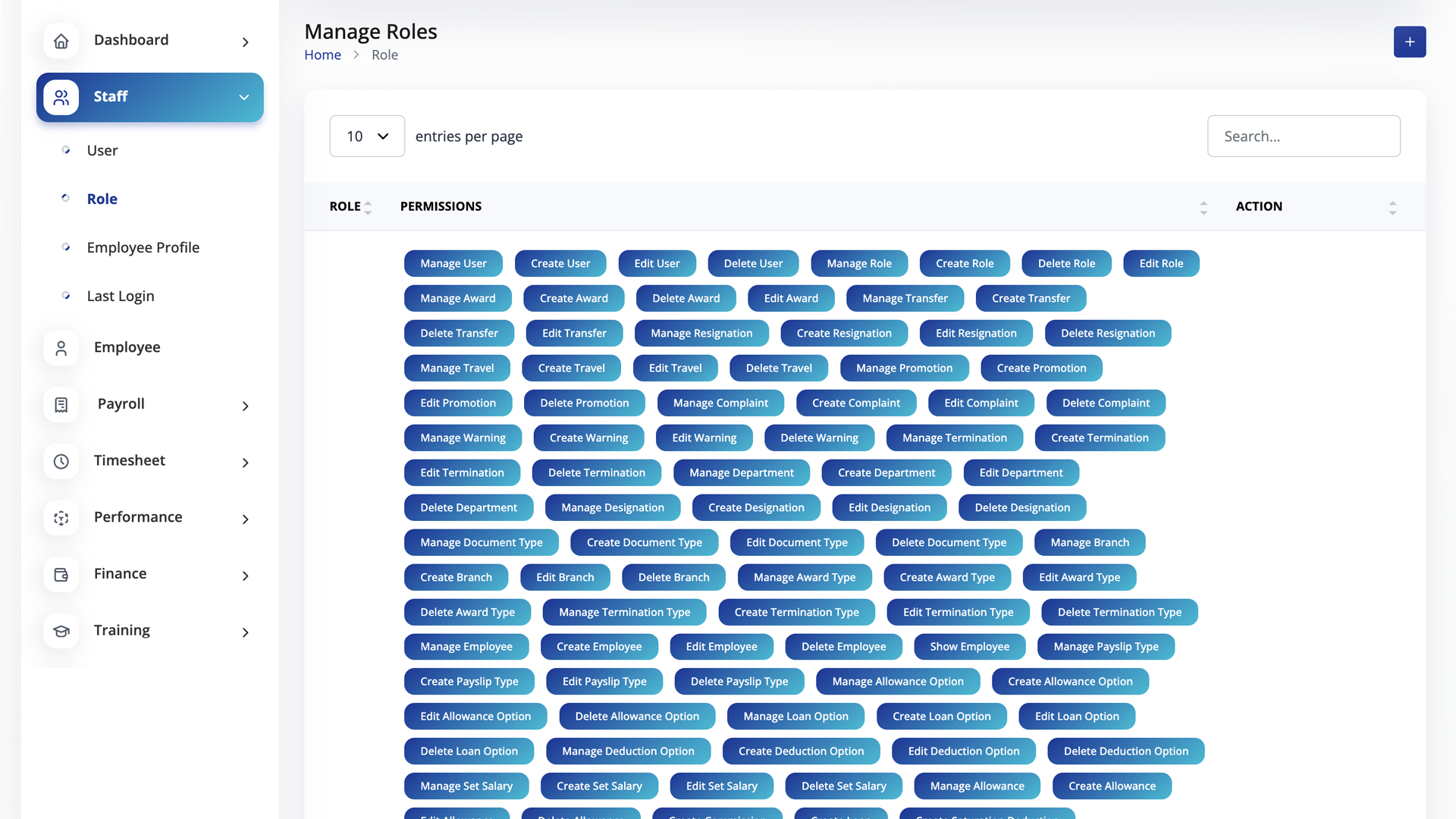
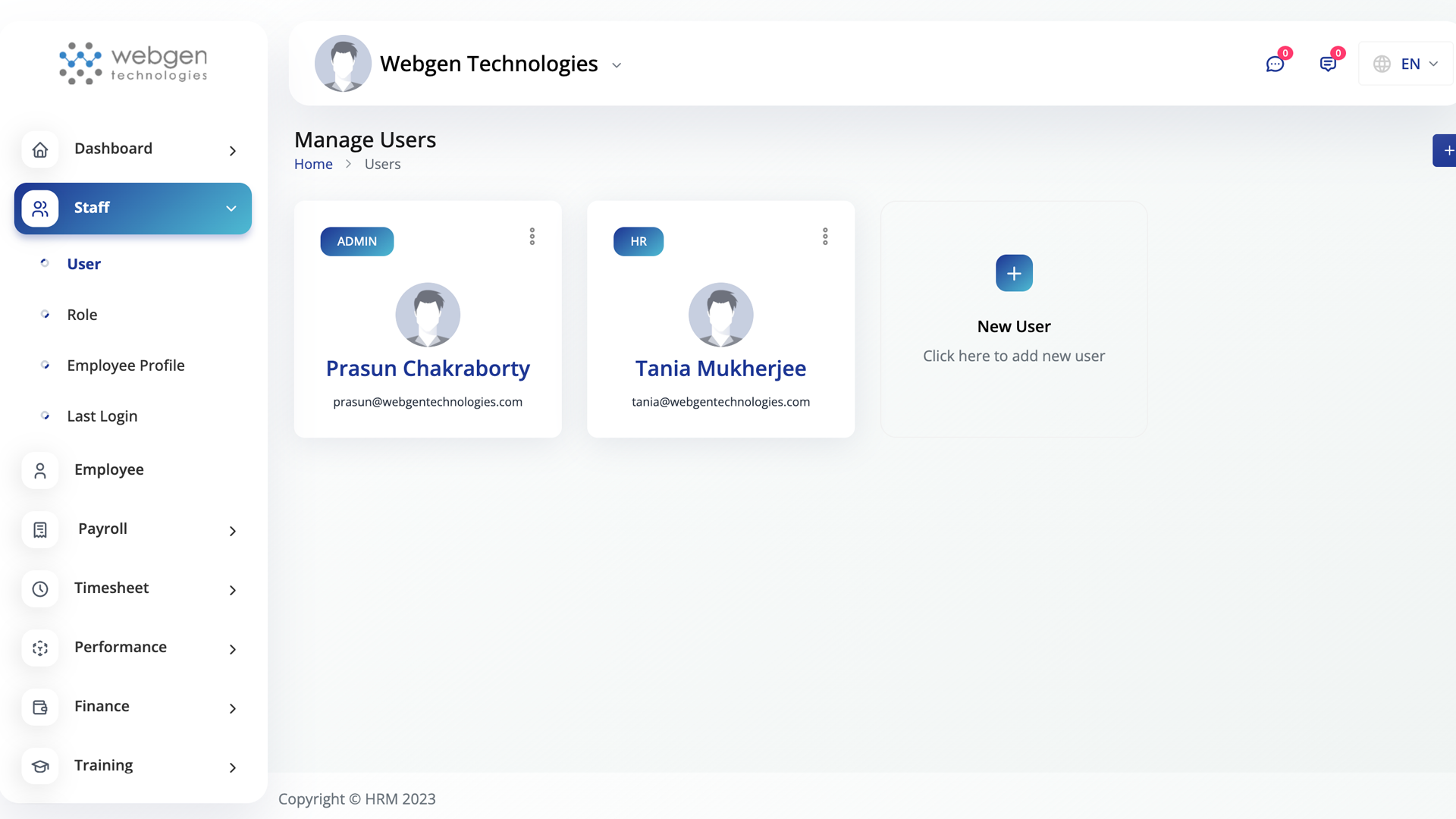
Price All in one place HRM SaaS system

Use these awesome forms to login or create new account in your project for free.
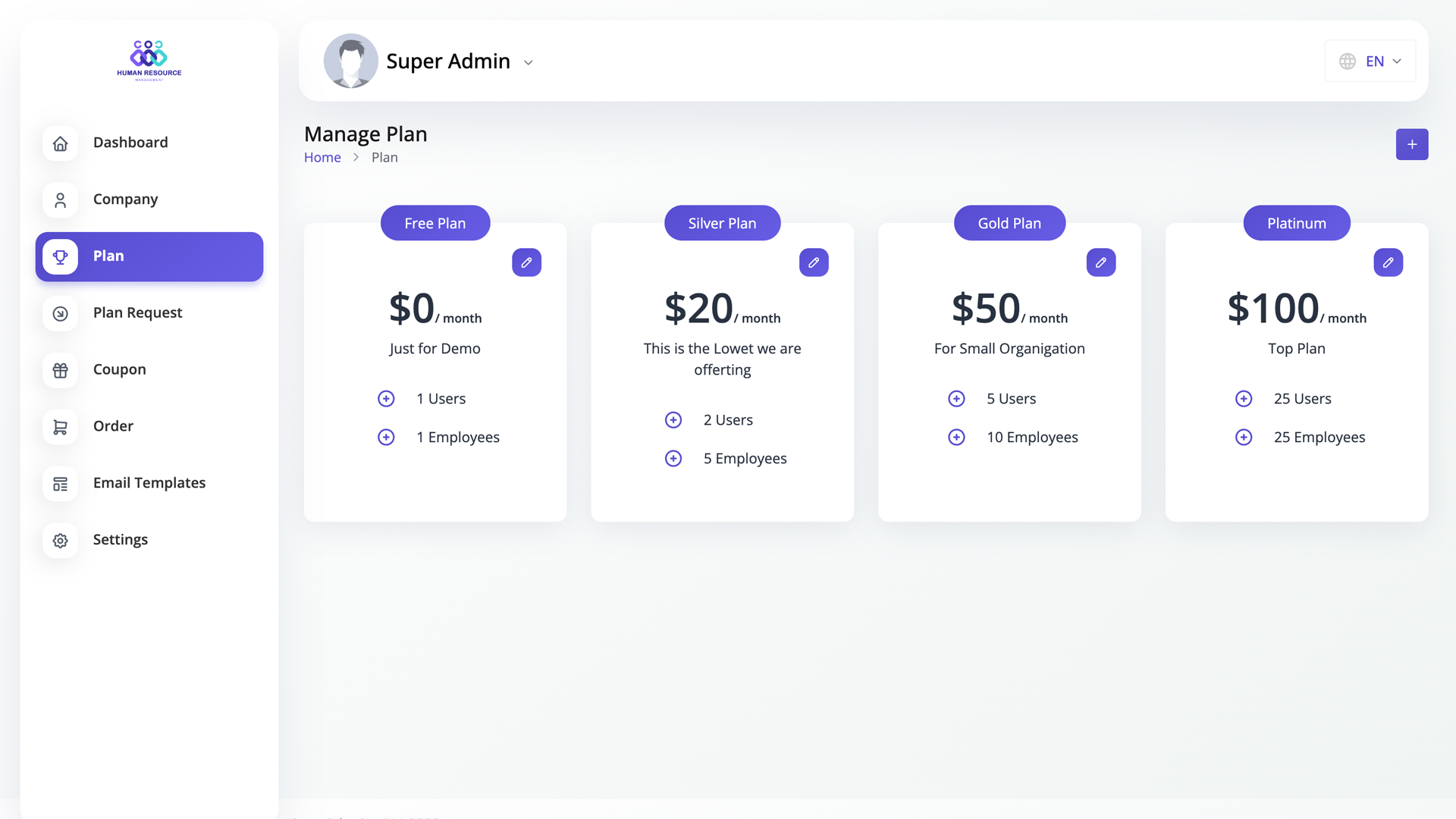
Free Plan $0/month

Just for Demo

  • 2 users
  • 1 Employees
Silver Plan $20/month

This is the Lowet we are offerting

  • 2 users
  • 5 Employees
Gold Plan $50/month

For Small Organigation

  • 5 users
  • 10 Employees
Platinum $100/month

Top Plan

  • 25000 users
  • 100000 Employees

HRM Saas

HRM and Payroll Tool

Use these awesome forms to login or create new account in your project for free.
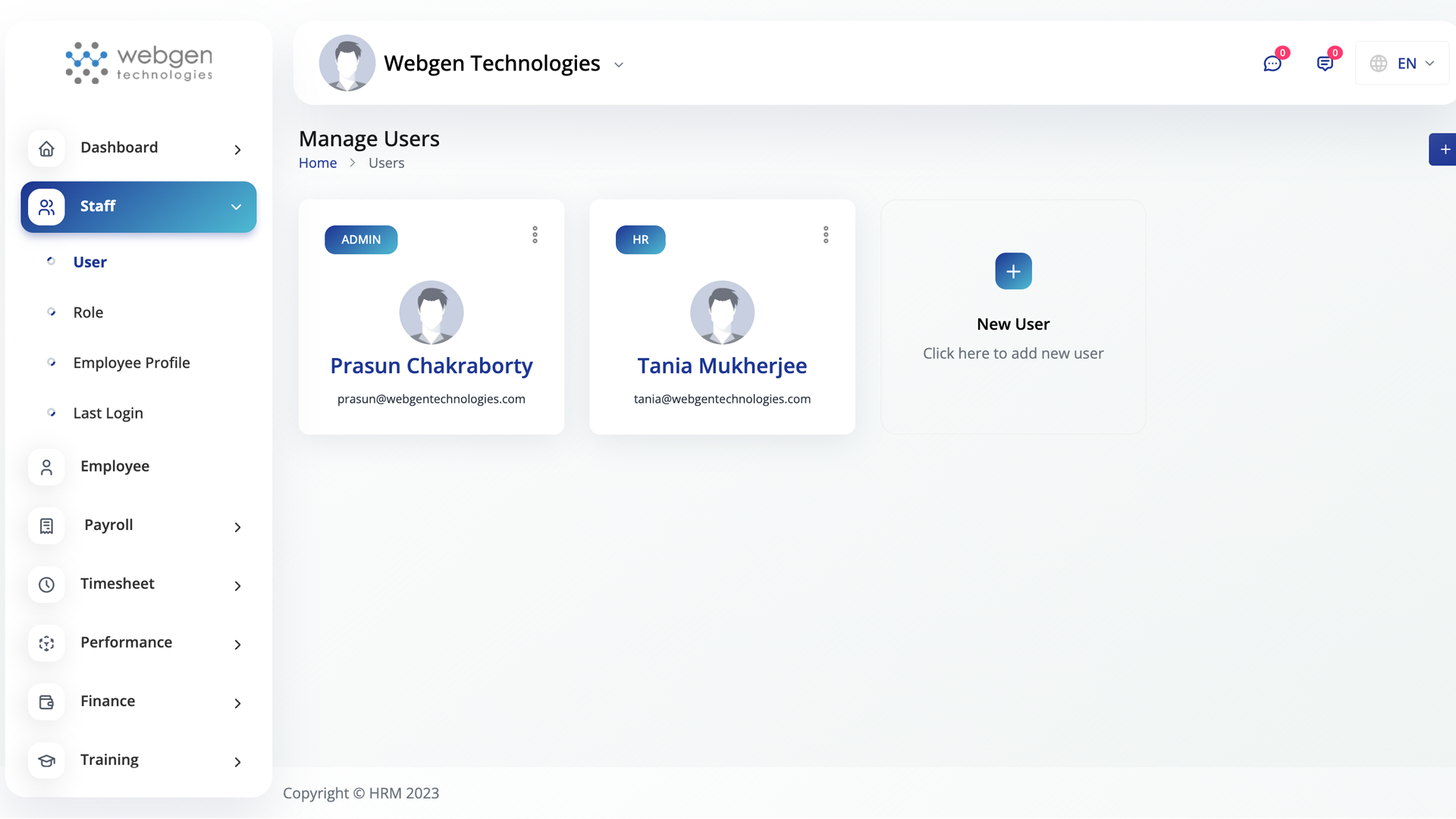
Admin
Admin
Admin
Admin
Admin
Admin
Admin
Admin

Frequently Asked Questions

Use these awesome forms to login or create new account in your project for free.
This is the first item's accordion body. It is shown by default, until the collapse plugin adds the appropriate classes that we use to style each element. These classes control the overall appearance, as well as the showing and hiding via CSS transitions. You can modify any of this with custom CSS or overriding our default variables. It's also worth noting that just about any HTML can go within the .accordion-body, though the transition does limit overflow.

This is the second item's accordion body. It is hidden by default, until the collapse plugin adds the appropriate classes that we use to style each element. These classes control the overall appearance, as well as the showing and hiding via CSS transitions. You can modify any of this with custom CSS or overriding our default variables. It's also worth noting that just about any HTML can go within the .accordion-body, though the transition does limit overflow.

This is the third item's accordion body. It is hidden by default, until the collapse plugin adds the appropriate classes that we use to style each element. These classes control the overall appearance, as well as the showing and hiding via CSS transitions. You can modify any of this with custom CSS or overriding our default variables. It's also worth noting that just about any HTML can go within the .accordion-body, though the transition does limit overflow.